Markdown books as zoomable tile atlases
Turn folders of markdown — saved LLM conversations, book drafts, course notes — into a spatial reading experience: chapters as tiles, sections as tiles, click to zoom into a reading view with neighboring sections on side rails. Built for texts that are too big to scroll and too structured to flatten. Open source, MIT, no database.
Three ways to use it
The engine is the same in all three: the parsers and the atlas components of this repository. Pick the one that matches where your files live and who should see them.
Try it — the demo book, live
The subject is incidental — any folder of markdown gets this treatment. This demo happens to be a history of the United States in twelve eras, one markdown file per era, rendered straight from those files. Click the book, then a chapter, then any tile. Use ←/→ to read through.
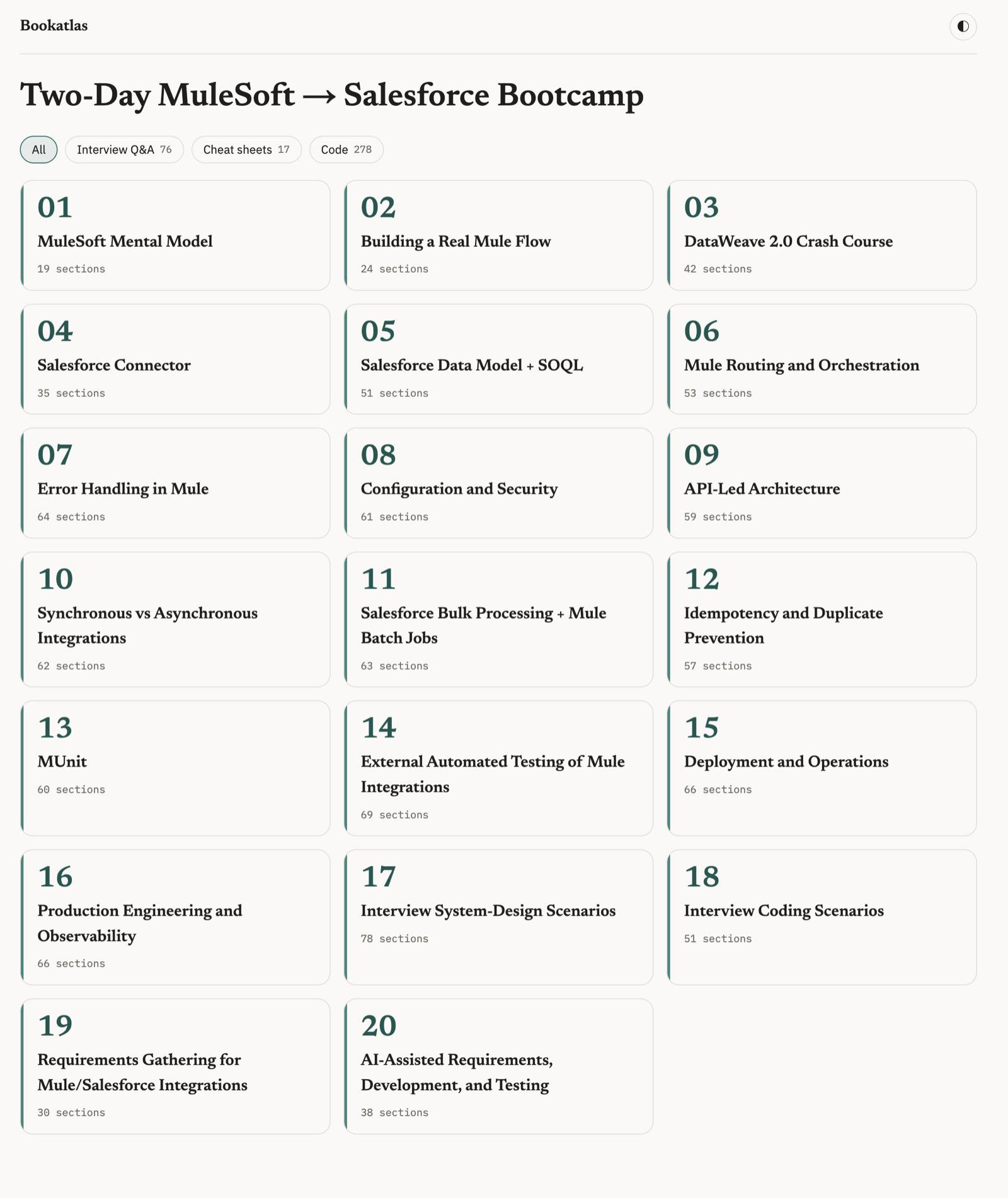
The whole book on one screen
Chapter tiles with section counts and content-type filters — non-matching sections dim but stay in place, so the spatial map survives filtering.
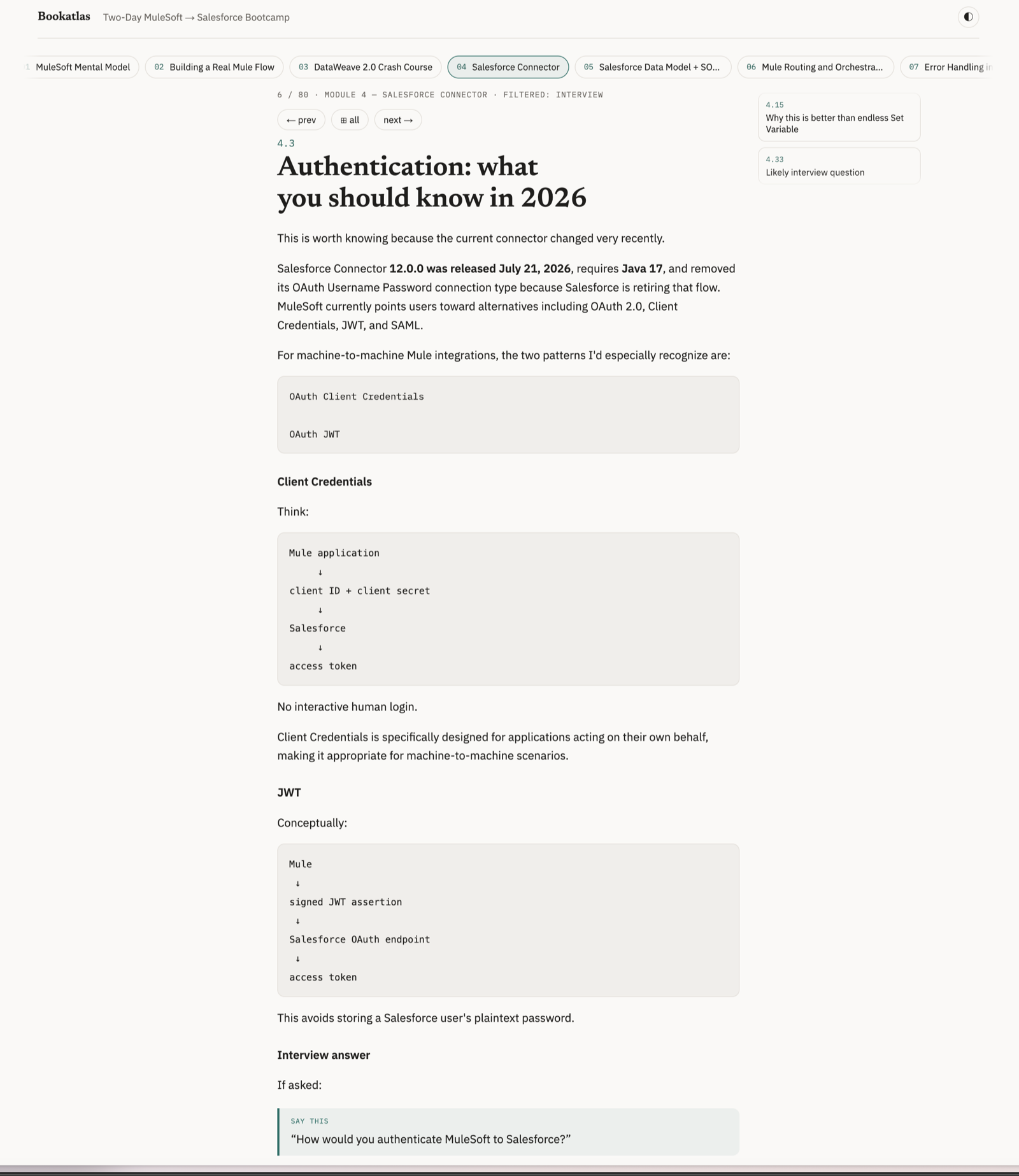
Drill mode
Filter to interview Q&A and read the filtered sequence — prev/next skips to the nearest matching section, across chapter boundaries.
Run it on your own books
git clone https://github.com/earlyadopter/bookatlas.git
cd bookatlas
pnpm install && pnpm dev
# point books.config.json at any folder of .md files
Two parsing profiles, auto-applied: folders of chapter files (LLM-conversation exports, where heading depth lies) and single-file books with Chapter N headings. How to make book files from an LLM conversation →